roll for chiikawa How to Redeem Codes
Claim Secret Chiikawas in minutes — tutorial, Shop menu, and exact redeem steps.
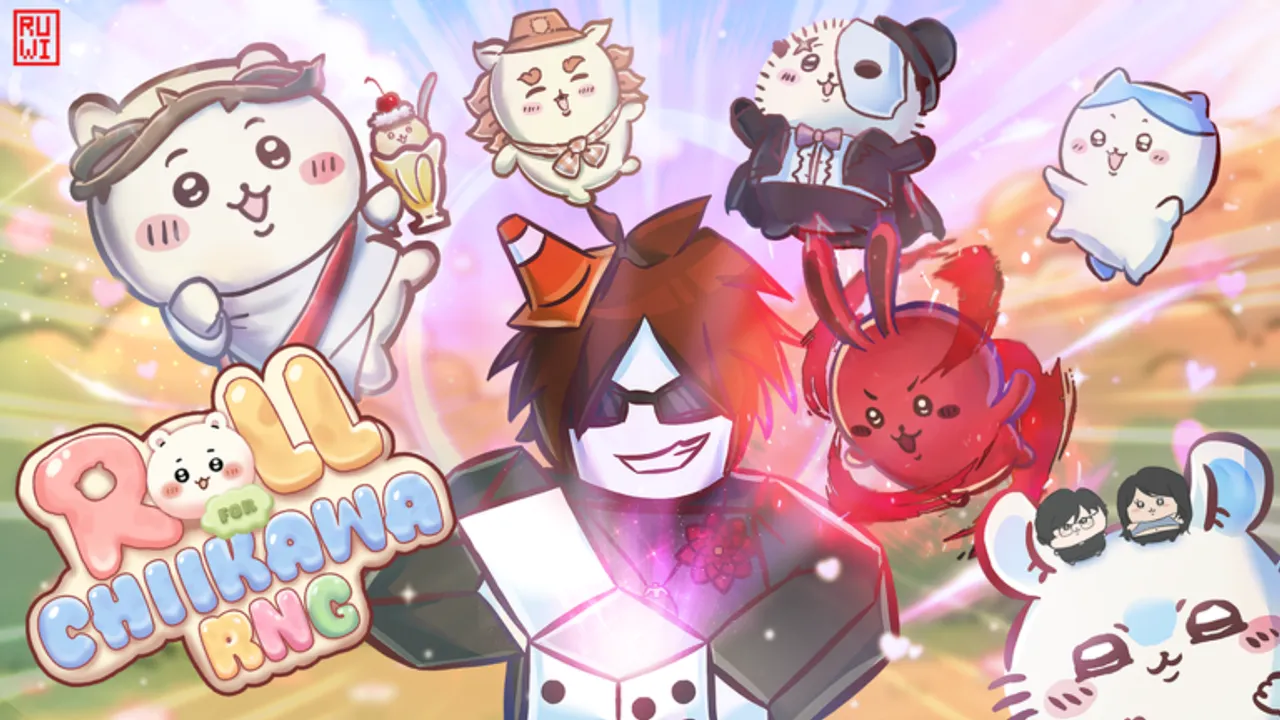
Redeeming promo codes in Roll for Chiikawa takes less than a minute once you know where the menu hides. Chiikawa Inc gates the code box behind the tutorial, so brand-new accounts cannot redeem until onboarding finishes. This guide walks through every step on PC and mobile, lists the active codes you should claim first, and links to fixes when redemption fails.
Roll for Chiikawa launched on June 8, 2026 as a Roblox RNG simulator with 500+ Chiikawas, base expansion, rebirth multipliers, and rotating limited events. Codes are separate from rolling: they grant specific characters instantly. The three active codes — secret, berserk, and death note — each unlock a Secret-tier unit (ME, Peter Griffith, and Light Yagami). Those Secrets are currently best obtained through codes rather than normal gacha odds.
Before you redeem
Complete the in-game tutorial from start to finish. Skipping dialogue or leaving mid-tutorial keeps the Shop code field locked. After tutorial completion you should see your base, roll button, and left-side UI icons.
Join a stable server. Right after Roblox updates, wait five to ten minutes if menus lag — see codes not working if Redeem never responds.
Have the exact code ready from our Codes Hub. Do not guess spelling: death note includes a space; secret and berserk are single lowercase words.
Step-by-step redemption
1. Open Roll for Chiikawa
Launch the experience from the official place page or your Roblox favorites. Allow the map to load fully so Shop icons render on the left HUD.
2. Finish the tutorial (if needed)
Follow every prompt until the game stops forcing camera movement and tooltips. You need free access to Shop. New players: prioritize this before any paid rolls — free Secrets from codes outperform early unlucky gacha pulls.
3. Open Shop on the left side
Look at the left edge of your screen for the Shop button or panel. Chiikawa Inc places code redemption inside Shop, not inside Settings or the roll UI. Mobile players: Shop remains on the left; rotate to landscape if buttons overlap.
4. Find Enter code
Inside Shop, locate the Enter code field or tab. Tap it to open a text box. Some layouts show a gift icon — same function.
5. Type the code exactly
Enter one code at a time:
secret→ rewards ME (Secret)berserk→ rewards Peter Griffith (Secret)death note→ rewards Light Yagami (Secret)
Paste from our Codes Hub to avoid typos. Press Redeem or Confirm.
6. Confirm the reward popup
A success message should appear and the Chiikawa joins your inventory or collection. If nothing happens, retry once, then read codes not working before spamming.
7. Equip your new Secret
Open your Chiikawa inventory or equip menu. Slot the new Secret for luck and income bonuses like any rolled unit. Equipping ME or Light Yagami before long AFK sessions pairs well with advice in how to earn money.
8. Redeem remaining codes
Repeat steps 4–7 for berserk and death note. Track claims on the codes checklist tool if you play multiple accounts.
PC vs mobile tips
On PC, click Shop then click Enter code — keyboard paste works. On phone/tablet, tap Shop, tap the field, paste from clipboard, tap Redeem. Roblox mobile keyboard sometimes adds trailing spaces; delete invisible spaces if you get invalid code errors.
After redeeming all three codes
You now own three Secret-tier units without spending Robux. Next priorities from our getting started guide:
- Equip the Secret with the best luck stat for rolling.
- Upgrade Luck and Roll Speed per luck and roll speed.
- Expand base slots for AFK cash before your first rebirth.
Learn how these Secrets compare to event exclusives on Secret Chiikawas. Event units from the Videogames Event are time-limited; code Secrets are permanent account assets.
Common mistakes
- Redeeming before tutorial completion — Shop code UI stays hidden.
- Wrong capitalization — use lowercase unless the hub specifies otherwise.
- Confusing
death notewithdeathnote— the space is required. - Expecting duplicate rewards — one claim per code per account.
- Ignoring equip step — un equipped Secrets grant no passive bonuses.
Where new codes get announced
Chiikawa Inc does not maintain an official wiki or Trello. Verified codes usually appear in luv 4 everyone Discord and the Chiikawa Inc Roblox group before fan sites aggregate them. When a new code drops, return to the Codes Hub for the updated table, then run through this redeem flow again.
Redemption is the easy part — long-term power comes from rebirth timing, event participation in the events guide, and stacking luck. Start with free codes, then invest time in systems that multiply those Secret rewards.
Frequently Asked Questions
Quick answers to the most common questions.
Do I need to finish the tutorial to redeem codes?
Yes. The Enter code option in Shop only appears after you complete the full in-game tutorial.
Where is the code button in Roll for Chiikawa?
Open Shop on the left side of the screen, then select Enter code. Type the phrase and press Redeem.
What codes should I redeem first?
Redeem secret, berserk, and death note in any order. All three grant Secret Chiikawas: ME, Peter Griffith, and Light Yagami.
Why did my code say invalid?
Check spelling, tutorial completion, and whether the code is still active on our Codes Hub. See codes not working for full troubleshooting.
Do redeemed Secrets automatically equip?
No. Open your inventory and equip the new Chiikawa manually to apply luck and income bonuses.